How the map, terrain and point cloud on this page load.
Maps
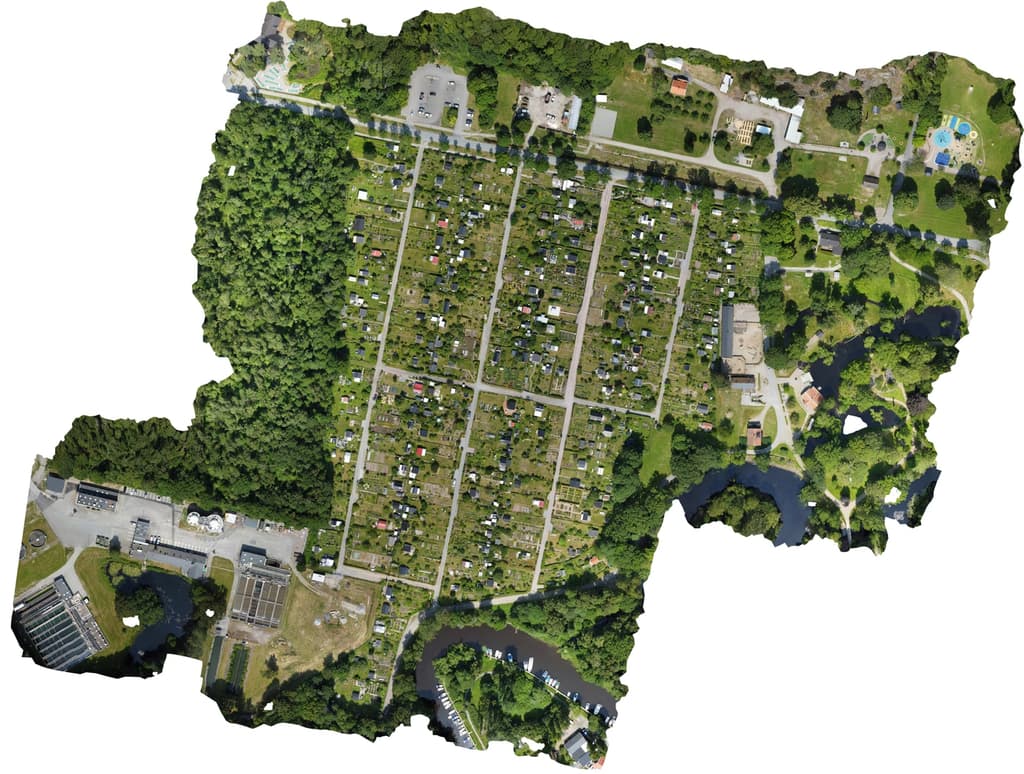
A map surface here is usually a stitched top-down image. Instead of loading one gigantic picture, it can be split into many small map tiles at several zoom levels.
That stack of tiles is called a tile pyramid: zoomed out uses a few low-detail tiles, zoomed in asks for the sharper pieces under your screen. It is how the page can zoom into big stitched images without making every visitor download the whole thing up front.
Tiled web maps · Tile Map Service
Terrain
Terrain views care about height, not just colour. A 2.5D view uses that height information to give a flat map some shape, so slopes, bumps, and reconstruction errors are easier to read.
Some terrain can also be packaged as quantized mesh, a compact web terrain format that streams ground as small 3D tiles. It is useful for inspection, but it is still a viewer path, not a promise that every scan is survey-grade.
2.5D · Quantized mesh terrain · 3D Tiles
Point clouds
A point cloud is a 3D scene made from many individual points, often with colour, rather than a solid surface. It is closer to a floating swarm of measured dots than a normal 3D model.
PLY is one common source file format for that kind of data. Public viewing works better when the cloud is converted into streamable tiles, because the browser can load nearby detail instead of swallowing one huge raw file.
PLY file format · Point Cloud Library
Why the variants exist
Browsers, screens, networks, and media types do not agree on one perfect file. The page stays simple, while the saved asset details keep source kind, quality level, preview confidence, dimensions, format, and fallback intent.
Each asset gets the special handling it needs. The goal is not to show off file formats; it is to make the page choose the right thing quietly, then explain the machinery only when you ask.